
Use WordPress post revisions to find an earlier edit and decide how much to recover. If one paragraph disappeared, copy it into the current draft and keep the newer edits. If an entire rewrite needs to go back, compare the versions before choosing Restore. WordPress has both options built into its editor workflow.
Jump to finding revisions, comparing versions, recovering a section or checking missing history.
Find WordPress post revisions in the editor
Open the post or page for editing. In the block editor, open Settings, select the Post or Page tab, and click the number next to Revisions. In the Classic Editor, look for Revisions in the Publish panel. The label and location can vary with the editor and site setup. The official WordPress revisions guide shows both the current block editor timeline and the classic comparison screen.
Pause if a colleague is editing the same page. Agree which version should be live and preserve their unsaved changes before either of you updates the post. On a published page, restoring can change what visitors see, so review the comparison first.
Compare the versions before restoring
Say you’ve updated a workshop page with this month’s dates and prices, but accidentally removed the directions from the old introduction. Pick a revision from just before the edit and compare it with the current version. Check the timestamp and read the surrounding content to confirm you’ve found the right paragraph. Then note which newer details must stay.
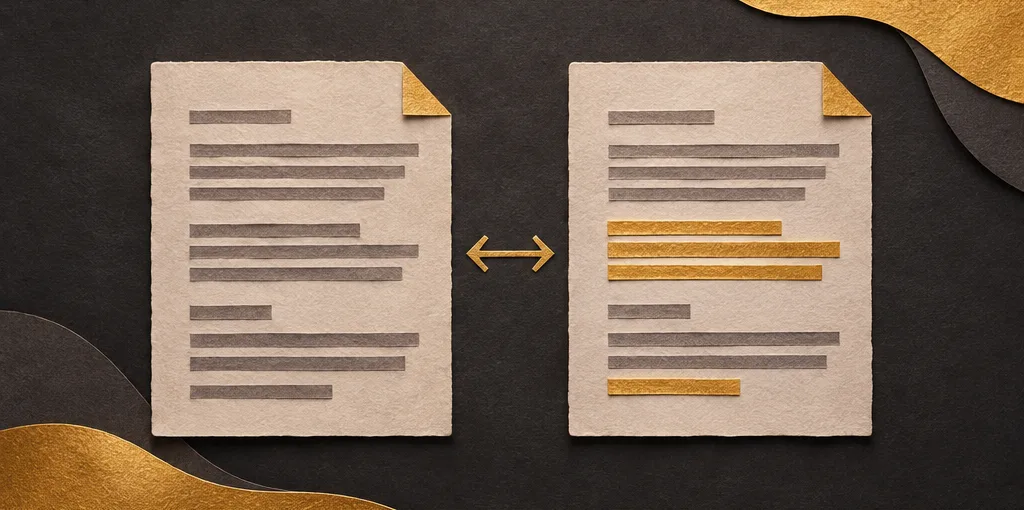
Use the revision list or slider to move between versions. In the newer block editor, Show changes toggles the comparison highlights. The classic screen displays a side-by-side comparison and lets you select two saved versions. Look at the exact changes to links and wording, especially when several people edited the page on the same day.
Recover a paragraph or restore the whole revision
For the workshop page, copy the directions from the earlier version if your editor lets you select them. Return to the current editor and paste the text into the right paragraph, then reapply and test any links. If your comparison view shows markup, copy or recreate the readable words in the editor and reinsert formatting there. Preview the result and confirm the new dates and prices are still present.
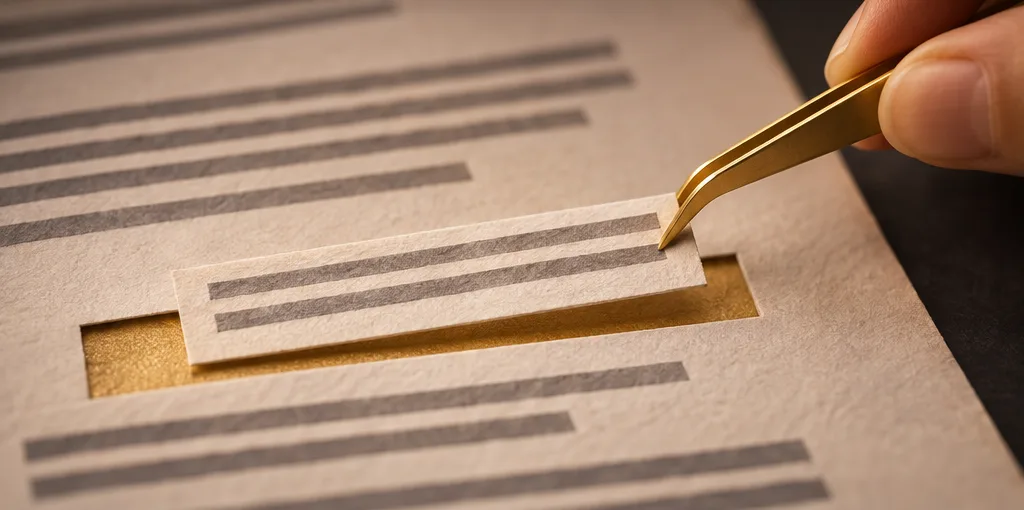
Choose Restore only when you want the older saved content back as a whole. Before doing so, save a private copy of the current wording if it would be hard to recreate. After restoring, check the title, body and excerpt, then open the public page. WordPress normally restores saved fields through its post revision function. A revision is a snapshot of supported post fields. Shared patterns, template settings and plugin data can have their own storage and history.
If the affected section appears on several pages, check whether it came from a WordPress synced pattern. If the editor shows the correct content and visitors still see older text, follow our guide to WordPress changes not showing to check what the public page serves.
Check why a revision is missing
Look for an Autosave entry if you lost an edit before clicking Save or Update. Autosaves can help after an interruption, but newer autosaves replace older ones for the same user and post. If no useful revision exists, check whether the post was saved before the change and ask the site administrator whether revision retention has been limited. Increasing the limit today cannot recover revisions already removed.
For changes held in builder-specific data or for missing revision history, inspect a recoverable backup on a separate copy of the site. Our backup restore test guide explains how to check that copy. If you need help recovering a specific section, contact DriftFix with the page URL, the approximate edit time and what needs to be recovered.