
Nobody decides to stop maintaining their website. It just happens. You launch the site, it works, and you move on to running the actual business. Twelve months later someone mentions the contact form isn’t sending emails, and you go check the site for the first time since — honestly, you’re not sure.
This is the part nobody warns you about with WordPress: it doesn’t fail all at once. It drifts. Small things go quiet one at a time until enough of them have piled up that the site just feels off, even if you can’t immediately point to why.
Here’s what that drift actually looks like, based on the sites we get called in to fix.
Month 1 to 3: Nothing looks wrong yet
This is the deceptive part. In the first few months after a site stops being actively maintained, everything still works. Plugins keep functioning on old versions. The theme hasn’t broken yet. If you loaded the homepage today, you’d have no reason to think anything was wrong.
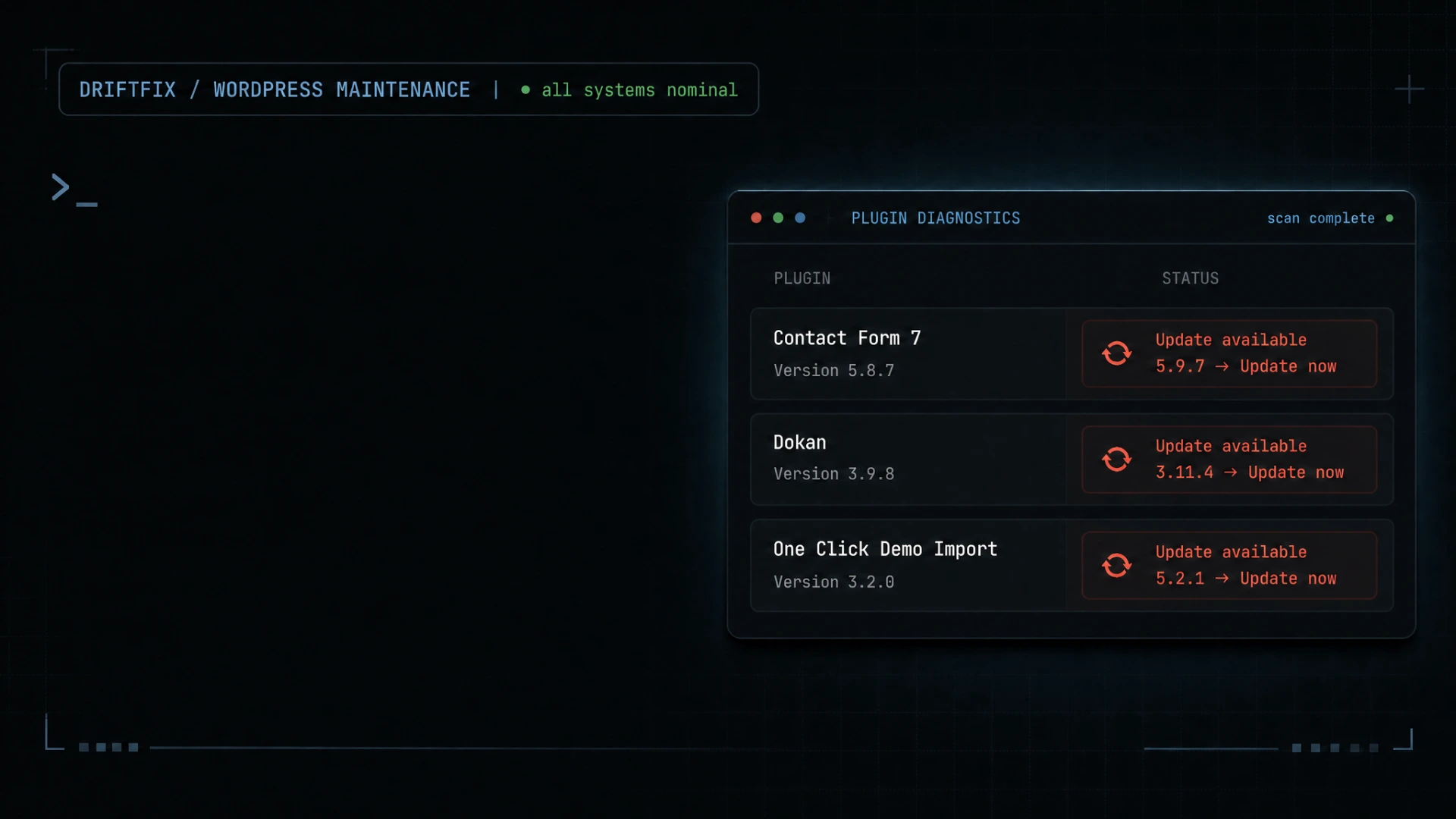
Underneath that, though, plugin developers are pushing security patches you’re not installing. WordPress core itself might release a minor update that quietly gets ignored. None of this shows up visually. It’s the kind of thing that only becomes a problem later, which is exactly why it gets ignored in the first place — there’s no complaint to respond to yet.
Month 4 to 6: Small breakages start appearing
This is usually when the first real symptom shows up, and it’s rarely dramatic. A contact form stops sending notifications because the SMTP plugin had a breaking update six weeks ago and nobody noticed the failed test emails. A slider on the homepage stops advancing because it depends on a JavaScript library that a theme update silently replaced.
Individually, these are small. A site owner might notice one, shrug, and think “I’ll get to that.” The problem is these issues don’t stay isolated — they start interacting with each other in ways that are hard to diagnose without actually opening the code.
We’ve seen this play out almost exactly the same way more than once: a client mentions, almost as an afterthought, that their booking form “sometimes doesn’t work.” When we dig in, it’s not the form. It’s a caching plugin serving a stale version of the page to some visitors, which was fine until a separate plugin update changed how form submissions were being handled. Two unrelated pieces, both quietly out of date, colliding in a way that only shows up for some users on some days.
Month 6 to 9: The security gap widens
This is the stretch where risk climbs the fastest, even though it’s usually invisible from the front end. WordPress powers a huge share of the web, which makes it a constant target for automated attacks — not because anyone specifically wants your site, but because scanning thousands of sites for known, unpatched vulnerabilities is cheap and automated.
An unpatched plugin from eight months ago isn’t just “a bit outdated.” If a vulnerability was found and disclosed after your last update, that vulnerability is now public knowledge, and it’s sitting on your live site. This is usually the point where we find things like injected spam links buried in footer widgets, unfamiliar admin accounts nobody remembers creating, or a site quietly redirecting a fraction of visitors to somewhere it shouldn’t.
The frustrating part is that the fix would have taken minutes if it had been caught at month one. At month eight, it’s a cleanup job.
Month 9 to 12: Performance quietly collapses
By this point, the database has usually accumulated a year of unoptimized bloat — post revisions that were never cleaned up, expired transients sitting in the options table, spam comments nobody moderated. None of that is visible to a visitor scrolling the homepage, but it adds real weight to every single database query the site makes.
Combine that with a PHP version that’s now two releases behind, a theme that was never updated to match current WordPress core changes, and caching that’s either misconfigured or not running at all — and you get a site that takes four or five seconds to load pages that used to load in one.
This is usually the point someone finally notices. Not because of a security scan or a broken plugin, but because a customer mentioned the site felt slow, or bounced off it entirely.
The pattern we see over and over
What makes this frustrating is that none of it happens because someone did something wrong. Nobody clicked a bad button or installed something obviously sketchy. It happens because WordPress sites are not “set and forget” — they’re closer to a car that needs regular servicing, except most people don’t find out their car needs oil until it stops running.
The sites that avoid this aren’t the ones with the biggest budgets. They’re the ones where someone is actually looking at the site periodically — checking plugin versions, watching for failed updates, keeping an eye on load times, and fixing small things while they’re still small and cheap to fix.
If it’s already been a year
If this sounds like your site right now, the good news is that almost none of this is unrecoverable. It’s rarely a case of starting over. It’s usually a matter of going through methodically — updating what’s safe to update, testing what breaks when it’s updated, cleaning up the database, and closing whatever security gaps opened up along the way.
The part that matters most is doing it in the right order. Updating plugins blindly on a site that’s a year behind can break things just as easily as leaving it alone, which is usually why people got nervous about touching it in the first place.
That’s the part we handle at DriftFix — going in, figuring out exactly what’s actually wrong versus what just looks wrong, and fixing the root cause instead of patching over symptoms. If your site has been left alone for a while and you’re not sure where it stands, that’s a normal starting point, not an embarrassing one.