
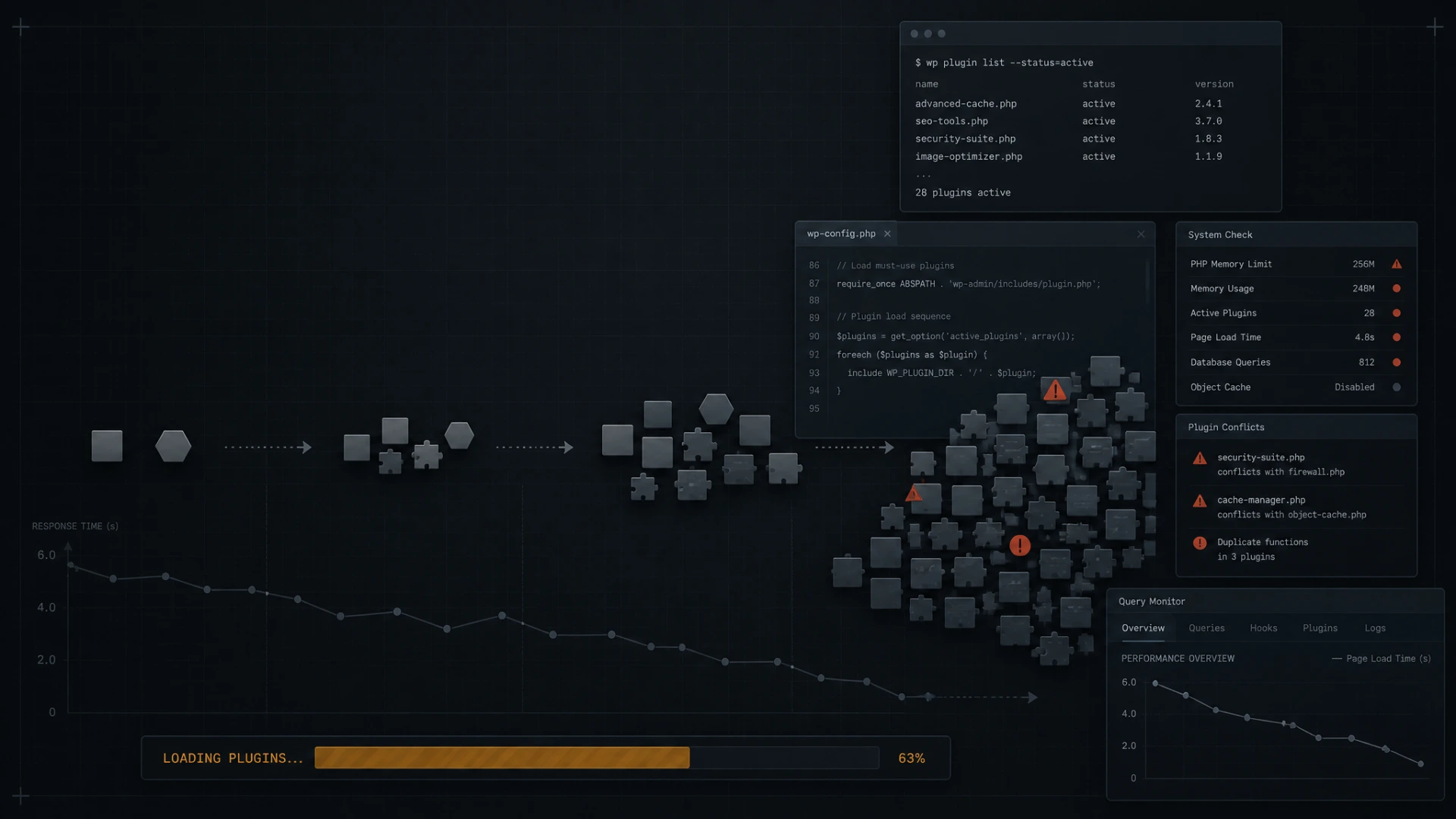
A familiar frustration for WordPress site owners begins with a straightforward maintenance task: you log into the dashboard, run four or five pending plugin updates, and verify that the front page still loads without errors. The layout appears intact, forms submit properly, and the visual elements look identical to how they appeared ten minutes earlier.
Two months and several update cycles later, however, the site feels noticeably sluggish. A homepage that originally rendered in just over a second now takes three to four seconds to display anything usable.
When websites lose performance over time, site owners often assume the hosting environment is struggling under increased visitor traffic. In practice, the issue is almost always a cumulative build-up of software drift introduced by incremental updates. Here is what actually happens behind the scenes when routine updates degrade site speed.
The Problem of Unused Asset Loading
When plugin developers release major features, they frequently introduce new interface components, styling rules, and JavaScript libraries. Because a plugin cannot predict where on your site you intend to use its features, it will often default to loading those scripts across every single page request.
Consider a simple scenario: an advanced contact form plugin adds support for date pickers, conditional fields, and animated loading spinners. Even if your contact form lives exclusively on a dedicated contact page, the plugin may enqueue its full JavaScript bundle and stylesheet on your homepage, your blog posts, and your product listings.
When five or six plugins adopt this same pattern, your server must transfer dozens of extra HTTP requests and megabytes of uncompressed JavaScript before a browser can render the first meaningful paint. The functionality works, but the cost is paid on every pageview across the entire domain.
Database Bloat and Unindexed Transients
WordPress stores page content, user accounts, and plugin configurations inside a MySQL database. Well-built plugins query this database efficiently, retrieving only the precise rows required for a specific page.
As plugins evolve through successive versions, their data structures often shift. Many plugins store temporary data—known as transients—directly inside the central wp_options table. Under ideal conditions, WordPress automatically clears expired transients. When plugins alter their caching mechanisms or fail to clean up obsolete keys, these rows remain indefinitely.
Over dozens of updates, the wp_options table can grow from a lean collection of a few hundred autoloaded rows into a multi-megabyte table that the server must parse on every single incoming page request. Because this table is autoloaded into memory, a bloated options table acts as an invisible brake on server response times (TTFB).
Incompatible Caching Assumptions
Speed-focused WordPress setups rely on multiple caching tiers: page caching, browser caching, and object caching through tools like Redis or Memcached.
Each caching system operates on specific assumptions about how your themes and plugins deliver data. When an update alters how a plugin processes user sessions, handles dynamic nonces, or manages cookies, it can silently bypass your page cache entirely.
When this occurs, the site continues to display properly to the visitor, but the web server is forced to rebuild every page from scratch on each request rather than serving a pre-rendered static snapshot. Without dedicated monitoring, you may not discover that your caching layer has failed until a traffic spike overloads the server.
Identifying the Culprits
Resolving update-induced slowdowns does not require removing essential tools or starting from scratch. It requires auditing the runtime impact of your active plugins with precise diagnostic tools:
- Asset Profiling: Using browser developer tools or query inspection plugins to map which scripts load on pages where they provide no functionality.
- Autoload Auditing: Reviewing the
wp_optionstable to identify orphaned plugin records and excessive autoloaded data. - Cache Validation: Verifying that response headers consistently return cached hits (
cf-cache-status: HITorx-cache: HIT) for non-logged-in visitors.
At DriftFix, we focus on identifying and correcting these compounding bottlenecks at the source code level, restoring the lean performance your site had on launch day.